
Managing who is on-site and ensuring they’ve been properly inducted is a key part of maintaining a safe and compliant workplace.
We’ve introduced a new Visitor & Contractor Induction feature in ProcessWorxShield to make this process simpler, more consistent, and easier to manage.
Where Inductions Often Fall Short
Visitors and contractors are often on-site for short periods, which means inductions can be rushed, inconsistent, or missed altogether.
Without a clear process, this creates gaps in:
- Safety compliance.
- Record keeping.
- Visibility of who is on-site.
How It Works
Our Visitor & Contractor Induction system allows you to manage inductions through a simple digital process.
Visitors and contractors:
- Complete an induction form via a QR code or link.
- Enter their details and select the site they are visiting.
- Review and agree to your induction requirements.
- Sign and submit the form.
Once submitted:
- The induction is automatically recorded.
- A confirmation email is sent to the visitor.
- A sign-out link is included to record when they leave site.
Multi-Site Setup
For businesses operating across multiple locations, each site can be configured with:
- Site contact details.
- Emergency management information.
- Site-specific documents.
When a visitor selects a site, this information is automatically applied to their induction, reducing errors and ensuring consistency across all locations.
What You Can See
All inductions are stored in the Visitor & Contractor Induction register within Shield.
From here, you can:
- View all visitor and contractor records.
- Confirm who is currently on-site.
- Check sign-in and sign-out activity.
- Maintain a clear, auditable record of site attendance.
Why It Works
This feature is designed to ensure:
- Consistent inductions across all sites.
- Reduce paperwork.
- Give you clear visibility of site activity.
- Provide you with accurate records when you need them.
Getting Started
You can set up Visitor & Contractor Induction in:
Settings > Registers > Visitor Induction
Once configured, your visitors complete one form and the system takes care of the rest.
Need Help Setting It Up?
If you’d like support setting up Visitor & Contractor Induction, our team can help.
Contact us on (08) 9316 9896 or email shield@processworx.com.au.
Follow ProcessWorxAg on LinkedIn, Facebook, Instagram, YouTube, and the Lets Chat HR & Safety Podcast to keep up with the latest HR and Safety news.
STAY IN THE LOOP
Subscribe to our free newsletter.
Leave A Comment
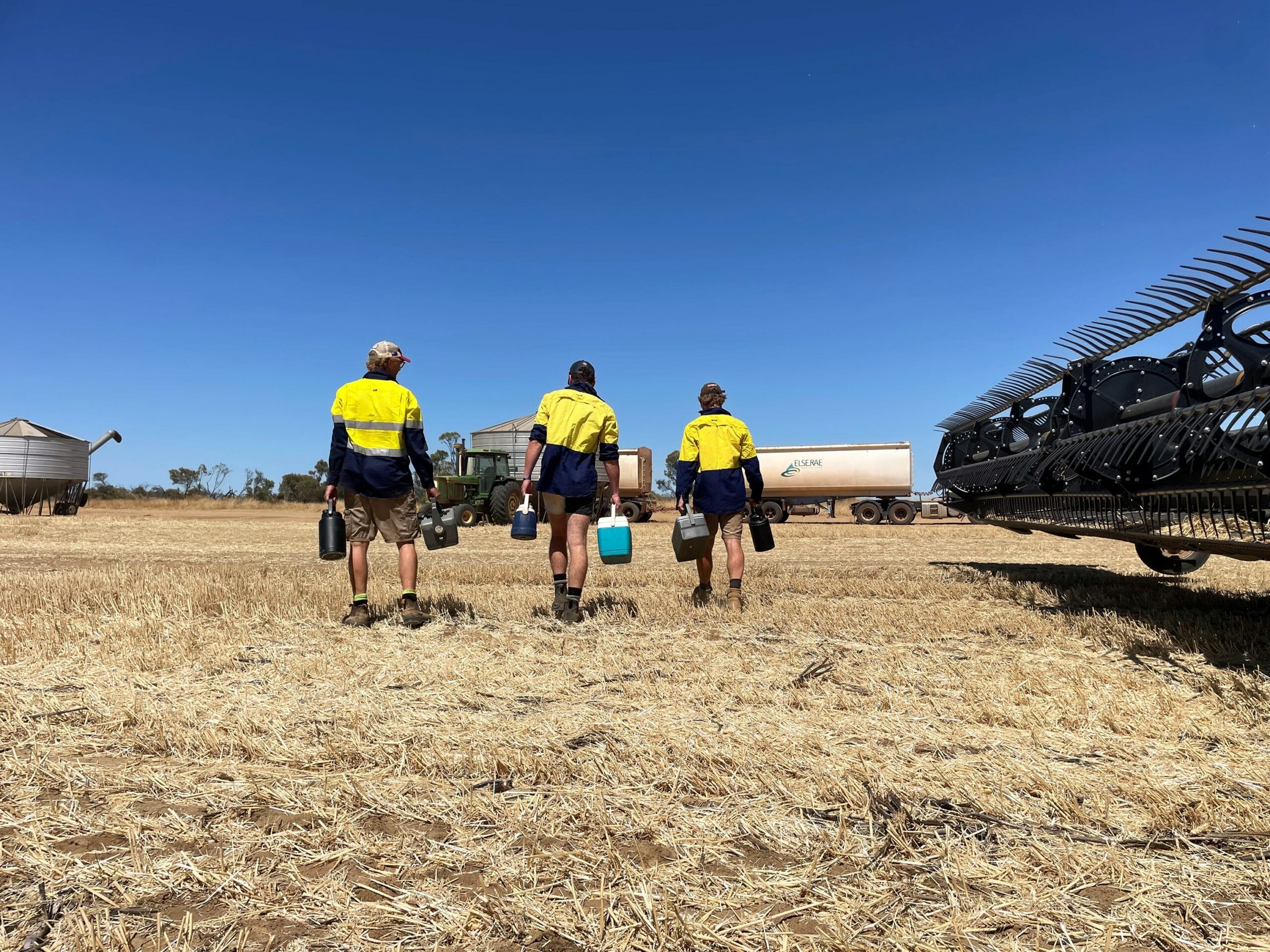
Visa delays and paused working holiday applications are adding pressure ahead of WA’s grain harvest. With seasonal workers harder to secure, getting every new starter onboarded, inducted and paid correctly matters.

Harvest brings long hours, heavy machinery and increased safety risks. Our harvest safety guide covers what farms should consider to keep workers safe.

Reactive safety doesn't necessarily mean no safety system. More often, it means the system is no longer influencing how work is actually performed.
Many farms have a risk register in place but in practice, it’s common for the document to be completed once, filed away, and rarely referred to again. Recently, we worked with a client who did not know how to use a risk register, which created a significant gap in their safety systems. What
